

Current Ledger
The name of the current Ledger appears in the header of the home page (Figure 1).
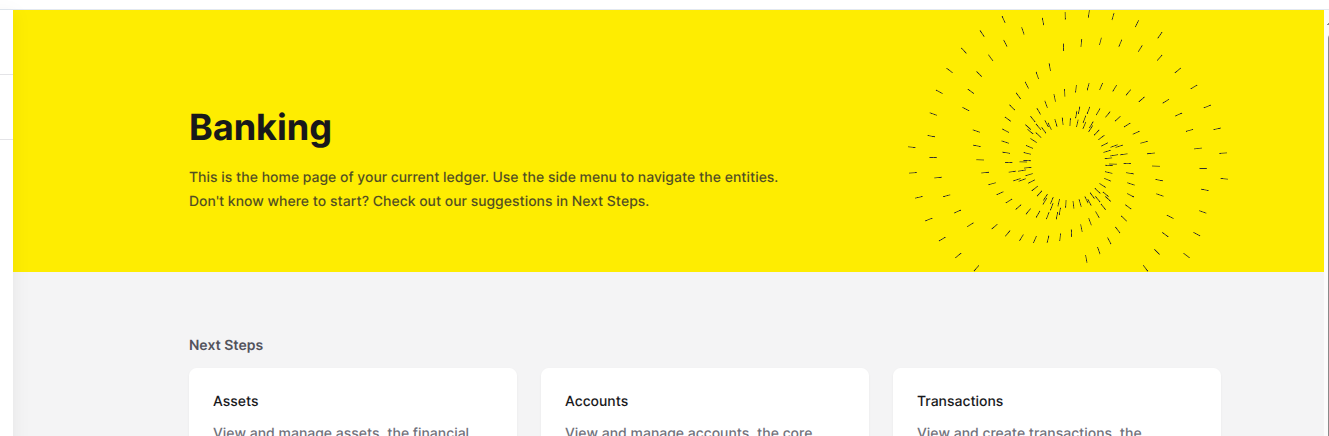
Figure 1. Section displaying the name of the current Ledger.
Accessing the Ledgers page
To open the Ledgers page, click the Ledgers option in the Foundation section of the left sidebar menu. The Ledgers page lists the Ledgers in your Organization and marks the current one with (current).
Available actions
From the Ledgers page, you can:Create a new Ledger
Edit a Ledger
Delete a Ledger
Ledger settings
Each Ledger has a Settings tab where you can enable validation rules for Accounts and Transactions.
1
Open the Ledger edit panel
On the Ledgers page, find the Ledger you want to configure. Click the three dots () in the Actions column. Select Edit.
2
Open Settings
In the edit panel, click the Settings tab.
3
Update validation rules
Enable or disable Validate Account Type and Validate Routes for this Ledger. The Console saves each change when you toggle the switch.