

Important transition: The standalone Midaz Console has been incorporated into Lerian Console as the Midaz Module. All Midaz Console functionality is now available within Lerian Console, along with additional features and integrations.
Migrating from Midaz Console
If you’re currently using the standalone Midaz Console, here’s what you need to know:
Why migrate to Lerian Console?
- Unified platform: Access Midaz alongside other Lerian products (Reporter, etc.) from a single interface
- Continued development: New features and improvements are exclusively available in Lerian Console
- Better integrations: Seamless connections between Midaz, plugins, and other modules
- Enhanced experience: Improved UI, navigation, and workflows
What stays the same?
- All core Midaz functionality remains available
- Your data and configurations are preserved
- The interface and workflows are familiar
What you can do
From the Midaz Module, you can:
- Manage organizations and ledgers — Create and configure the foundational structure for your financial operations
- Configure assets — Define currencies, tokens, and other asset types
- Set up accounts — Create accounts with types, segments, and portfolios
- Define routing rules — Configure operation and transaction routes
- Monitor transactions — View and track financial movements across your ledgers
- Access plugins — Enable and configure plugins like CRM and Fees Engine from the Settings page
Accessing Midaz
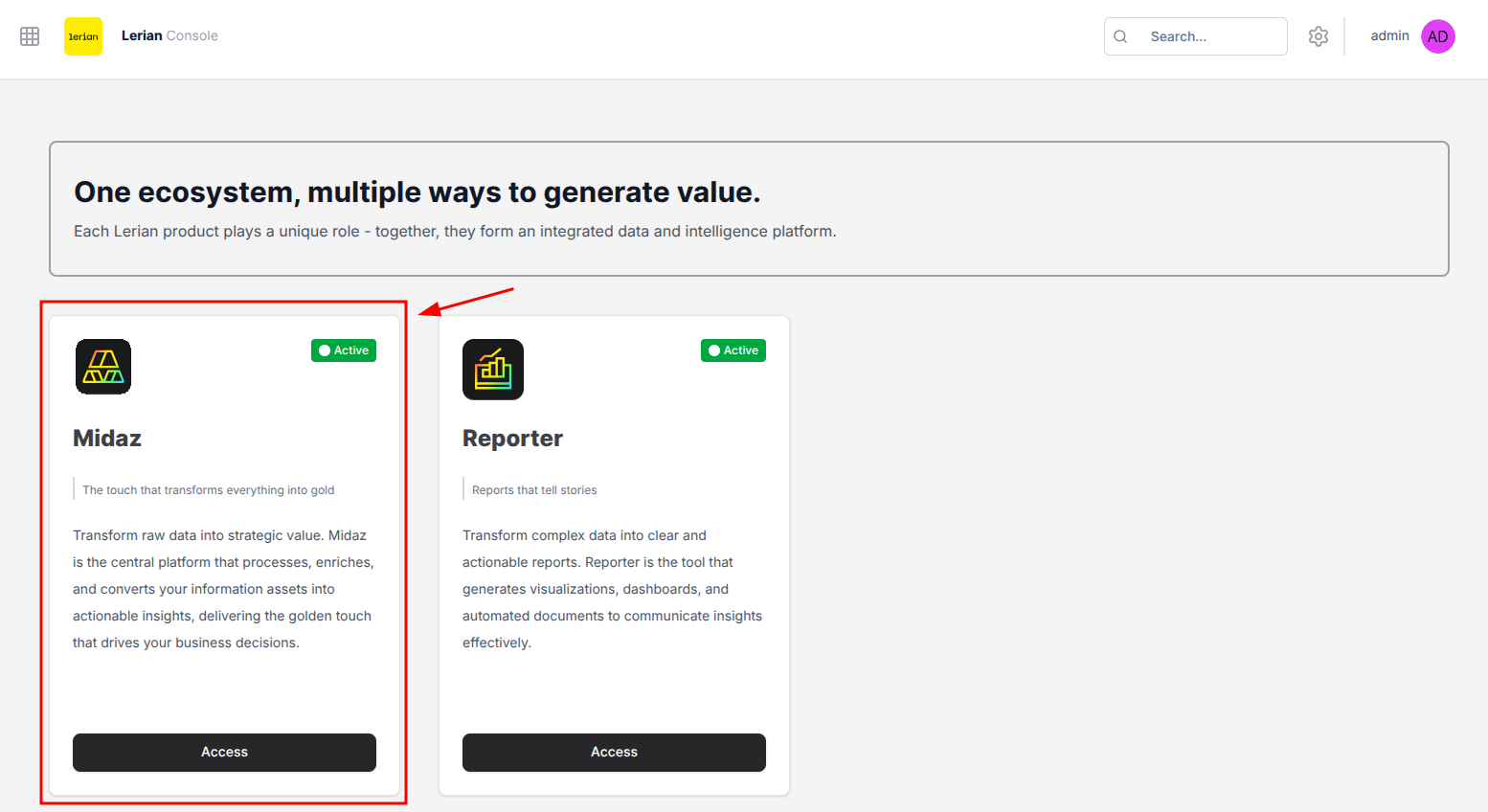
To access the Midaz Module, select it from the product launcher in Lerian Console (Figure 1).
Available features
The Midaz Module sidebar is organized into five main sections:
Foundation
Set up Organizations, Ledgers, and Assets — the structural backbone of your financial operations.
Accounting
Configure Account Types, Operation Routes, and Transaction Routes to control how funds flow.
Accounts
Manage Accounts, Holders, Aliases, Segments, and Portfolios for your financial system.
Transactions
View and create transactions that record asset movements between accounts.
Plugins
Access integrated plugins like Fees Engine to extend Midaz functionality.