Accessing the Organizations page
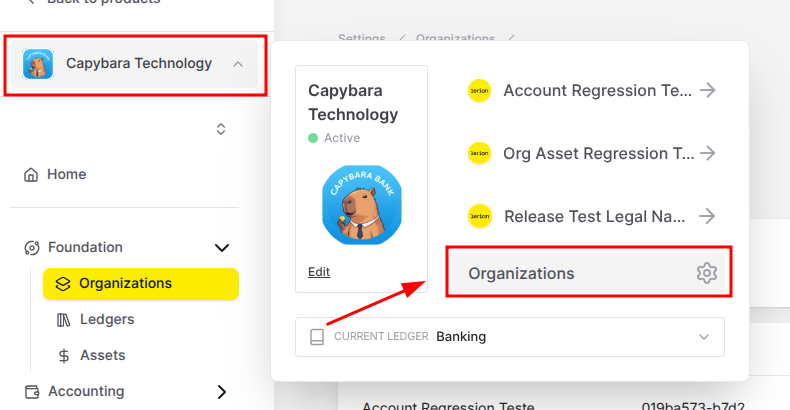
To open the Organizations page, click the Organizations option in the Foundation section of the leftside menu. The Organizations page displays a list of all created Organizations, providing a centralized view for management.
Available actions
From the Organizations page, you can:Create an Organization
Edit an Existing Organization
Delete an Organization
Multiple Organizations
If you have more than one Organization, you can also access the Organizations page by clicking the Organization icon from the left-side navigation bar and selecting Organizations from the pop-up window. (Figure 1).