

Important transition: Midaz Console is now part of Lerian Console as the Midaz Module. All existing functionality remains available, along with new integrations and platform features.
Start here first
New to Midaz? Start with these pages to understand what needs to be created, in which order, and how the main components work together.
Setup path
Follow the recommended setup order for Organizations, Ledgers, Assets, Accounts, Routes, and Transactions.
Midaz Console concepts map
Learn how Midaz components connect and how they support financial operations.
Midaz Console troubleshooting
Resolve common issues related to configuration, routes, permissions, and transactions.
What you can do
From the Midaz Module, you can:
- Manage organizations and ledgers — Create the operational structure used by your financial environment
- Configure assets — Define currencies, tokens, and other asset types used across ledgers
- Set up accounts — Create accounts with account types, portfolios, and segments
- Configure accounting routes — Define how operations and transactions move assets between accounts
- Monitor transactions — Track financial movements across organizations and ledgers
- Manage Holders and Alias Accounts — Use the integrated CRM features to register the people and entities behind your accounts and link them to ledger accounts
- Access plugins — Enable and configure plugins such as Fees Engine from the Settings page
Recommended setup order
For a new environment, we recommend configuring Midaz in the following order:
For a more detailed explanation of each step, see Setup path.
Accessing Midaz
To open Midaz, select the Midaz Module from the Lerian Console product launcher (Figure 1).
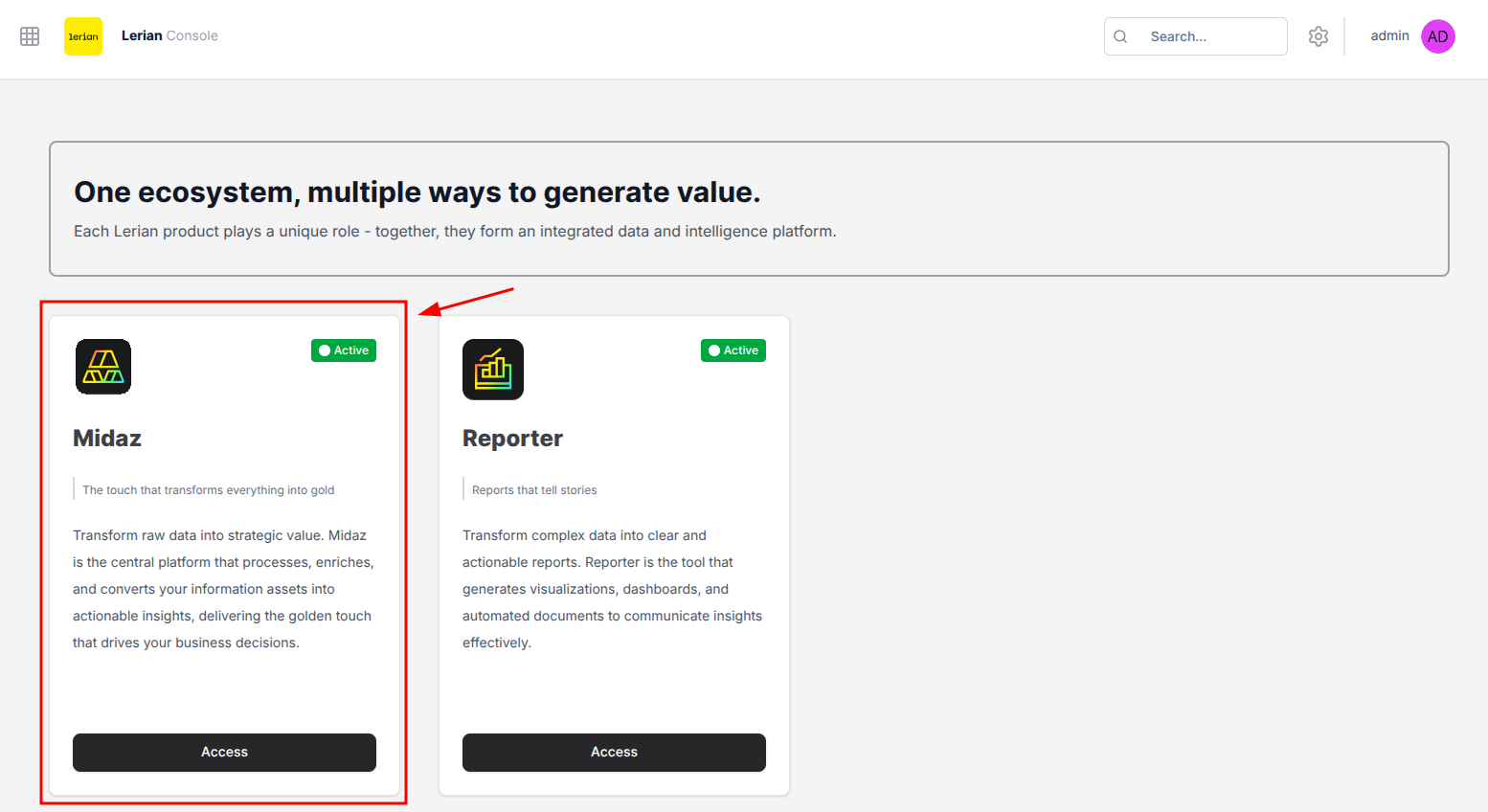
Available features
The sidebar follows the order in which most teams build their environment: Foundation first (the structure: organizations, ledgers, assets, account types), then Accounting (the rules that govern transactions), then Accounts (the parties that hold balances), then Transactions (the movements between them), and finally Plugins (optional add-ons such as Fees Engine).
Foundation
Configure Organizations, Ledgers, Assets, and Account Types that support your financial structure.
Accounting
Configure Accounting Routes that control how assets move through the system.
Accounts
Manage Accounts, Holders, Aliases, Segments, and Portfolios.
Transactions
Create and monitor transactions that transfer assets between accounts.
Plugins
Extend Midaz capabilities with integrated plugins such as Fees Engine.
Migrating from Midaz Console
If you’re currently using the standalone Midaz Console, here’s what changes when moving to Lerian Console.
Why migrate to Lerian Console?
- Unified platform — Access Midaz and other Lerian products from a single interface
- New platform features — Improvements and new capabilities are released exclusively in Lerian Console
- Integrated workflows — Connect Midaz with plugins and other platform modules
- Simplified navigation — Use a more consistent operational experience across products
What stays the same?
- All core Midaz capabilities remain available
- Existing data and configurations continue to work
- Operational workflows remain familiar for current users