

When to use P2P
P2P is the right transfer type whenever both the sender and recipient hold accounts at your institution. Common scenarios include:
- Moving money between a customer’s own accounts — a customer transferring from their checking account to their savings account, or between two accounts they manage.
- Paying another customer at the same institution — a customer sending money to a friend, family member, or business that also banks with you.
- Internal treasury movements — splitting balances between corporate accounts held within the same organization.
- Payment splitting — distributing amounts across multiple accounts for payroll, expense sharing, or cashback.
Key advantages
| Aspect | P2P | TED OUT |
|---|---|---|
| Settlement time | Under 2 seconds | 5–10 minutes |
| Operating hours | 24/7, including weekends and holidays | Mon–Fri, 06:30–17:00 |
| Fee (default) | None | Configurable |
| BACEN dependency | None | Required (JD SPB) |
How it works
P2P reuses the same API as TED OUT, so your integration remains consistent across transfer types. The process is two steps from the customer’s perspective:
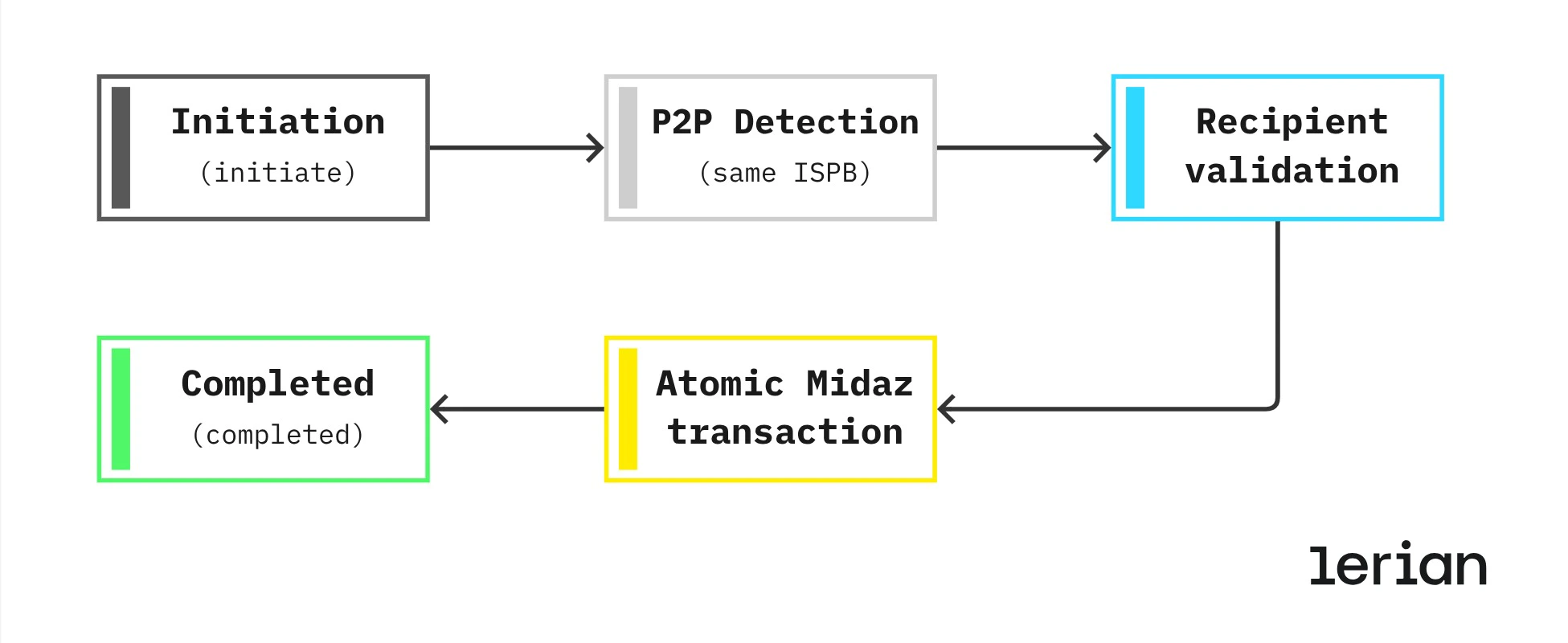
- Initiate — Customer submits the transfer details. The plugin validates the recipient, checks the sender balance, and confirms the fee (typically R$ 0.00). The customer sees the transfer summary before committing.
- Confirm — Customer confirms. The plugin creates an atomic debit + credit in Midaz. The transfer completes immediately — typically within 2 seconds.
Transfer states
| State | What it means |
|---|---|
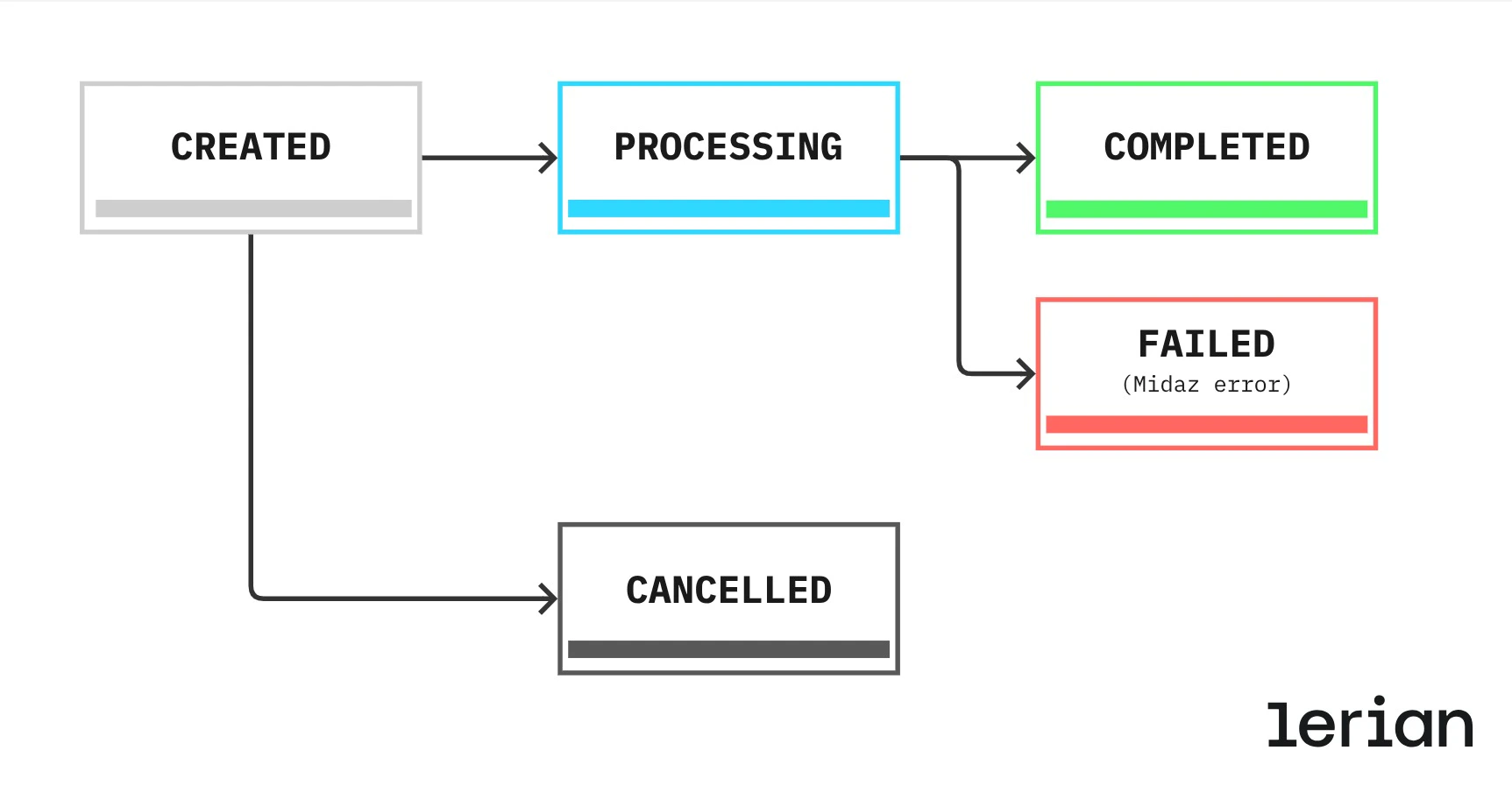
CREATED | Transfer initiated, awaiting customer confirmation |
PROCESSING | Midaz atomic transaction underway |
COMPLETED | Transfer settled — funds have moved |
FAILED | Internal error; no funds were moved |
CANCELLED | Cancelled by the customer before confirmation |
The
PENDING state does not apply to P2P transfers. PENDING is used in TED OUT to indicate funds reserved while awaiting SPB submission. P2P settles entirely within Midaz, so the transfer moves directly from PROCESSING to COMPLETED — typically in under 2 seconds.Fee configuration
P2P fees are disabled by default. Most institutions offer internal transfers at no charge, but the configuration is available if your pricing model requires it. To enable fees for P2P, see TED configuration.
Recipient validation
The recipient must be a registered account within the same institution. When you submit a transfer, the plugin looks up the recipient in CRM using the bank details you provide (ISPB, branch, account, and holder document). If the recipient is not found, the transfer is rejected and no funds are moved. The customer should verify the account details and try again.
Technical integration
P2P uses the same endpoints as TED OUT. No additional integration work is required beyond what you already built for outbound transfers.
- Initiate Transfer — POST /v1/transfers/initiate
- Process Transfer — POST /v1/transfers/process
- Get Transfer — GET /v1/transfers/
The
type field in the transfer response will be P2P. There is no controlNumber on P2P transfers, as they do not go through JD SPB.Error handling
P2P transfers are atomic: the debit and credit are created in a single Midaz transaction. If any part of the operation fails, the entire transaction is rolled back. There is no intermediate state where funds are partially moved or temporarily missing from an account. If a transfer fails, the customer’s balance is unchanged and they can retry. See the full error list for specific error codes and recovery guidance.