

Accessing the Accounts page
To open the Accounts page, click the Accounts icon on the left-hand navigation bar (Figure 1).
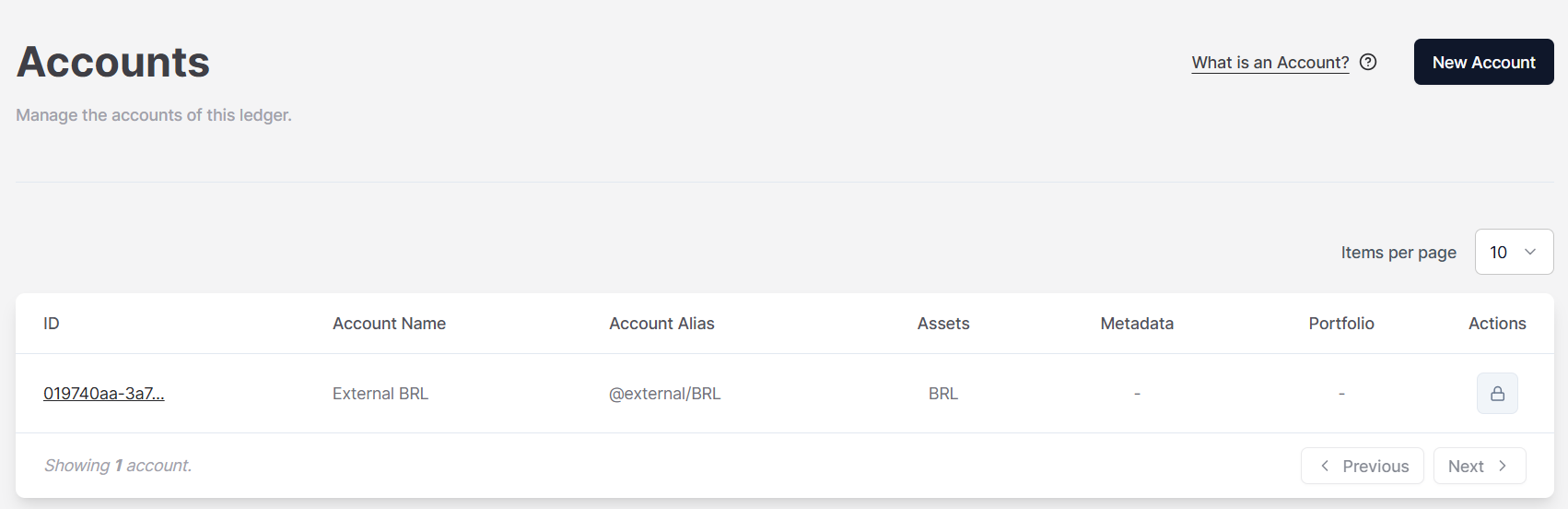
NoteThe padlock icon on the right side of the screen indicates that the account cannot be edited or deleted. This applies only to external accounts.