

Current Ledger
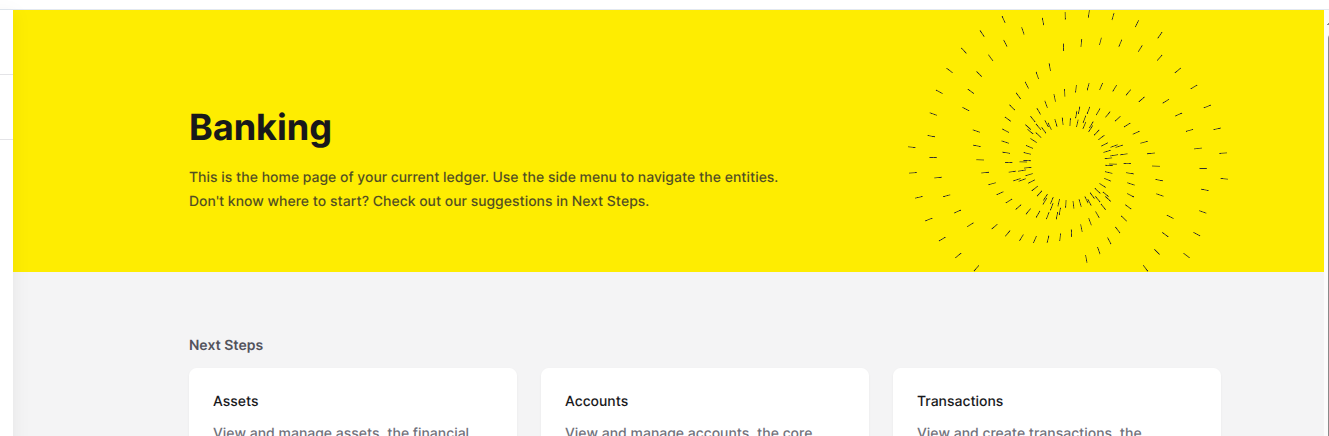
To help you stay oriented, the name of the currently selected Ledger will appear on the header of the home page (Figure 1).
Accessing the Ledgers page
To open the Ledgers page, click the Ledgers option in the Foundation section of the left sidebar menu. The Ledgers page will display a list of all previously created Ledgers with the current Ledger selected.
Available actions
From the Ledgers page, you can:Create a new Ledger
Edit a Ledger
Delete a Ledger
Ledger settings
Each Ledger has a Settings tab where you can enable validation rules for Accounts and Transactions.
Open the Ledger details
On the Ledgers page, locate the Ledger you want to configure. Click the three dots () in the Actions column and select Details.
Available settings
| Setting | What it controls | When to enable |
|---|---|---|
| Validate Account Type | Requires new Accounts to use an Account Type registered for this Ledger. | Enable when Accounts must follow a controlled classification model. |
| Validate Routes | Requires Transactions to match configured Accounting Routes. | Enable after your Accounting Routes are planned or configured. |