

The Matches page shows all confirmed match groups for the selected reconciliation context and run. Use it to review how transactions were paired, check confidence scores, and initiate manual matching when needed.Documentation Index
Fetch the complete documentation index at: https://docs.lerian.studio/llms.txt
Use this file to discover all available pages before exploring further.
Accessing the Matches page
Navigate to Matcher → Workbench → Matches in the left sidebar.
Filtering
Use the filter bar to narrow the results by context, run, status, or date range.
Match table
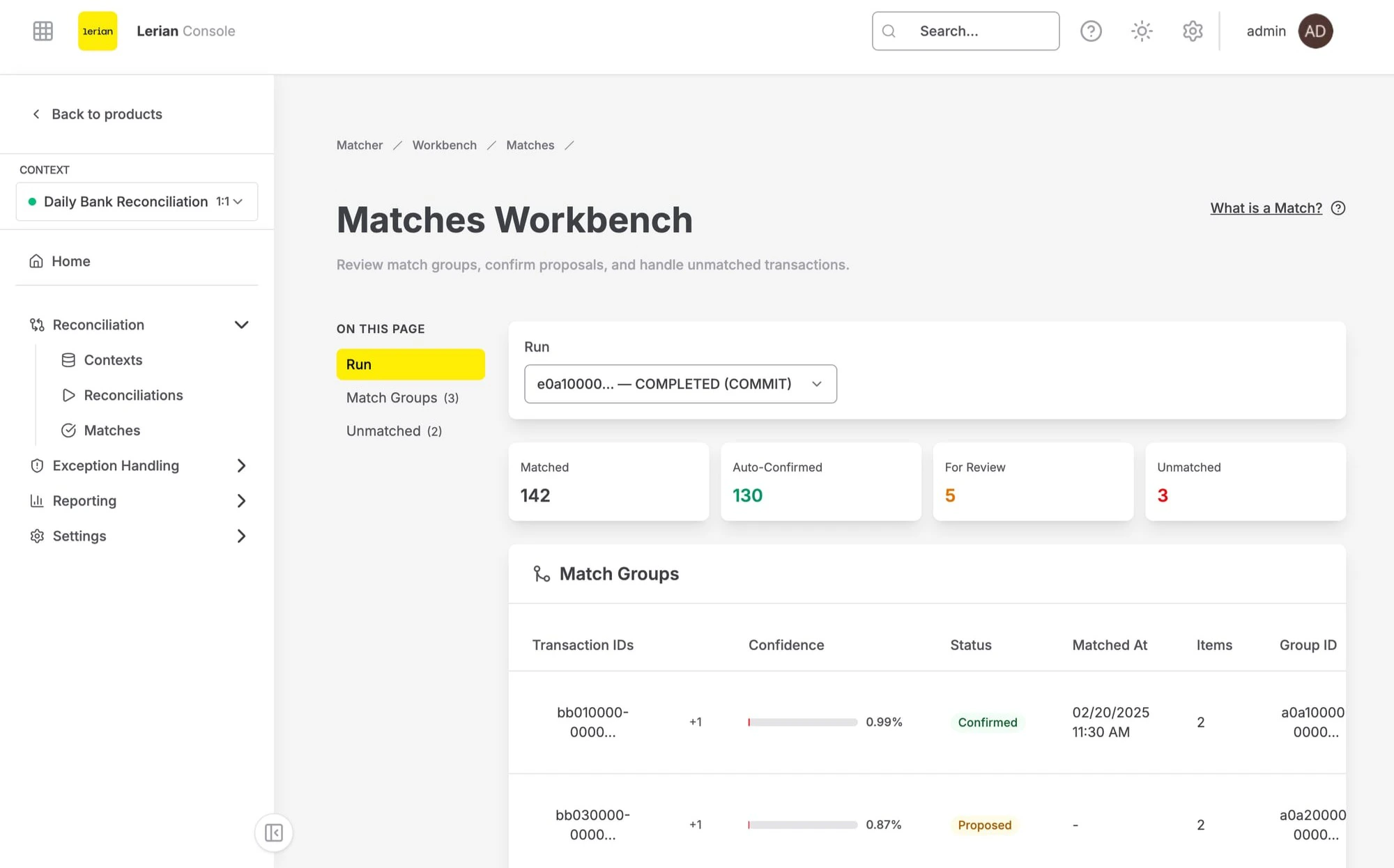
Match confidence
The confidence score (0–100) indicates how closely the matched transactions align based on the rules applied. Higher scores represent stronger matches.
Unmatching a pair
If a match was made incorrectly, you can unmatch it. Both transactions return to the unmatched pool and become available for re-matching or manual exception resolution.
Manual matching
For transactions that were not automatically matched, use the Manual Match flow to pair them manually. Click the Manual Match button and select the transactions to link. For the full step-by-step walkthrough, see Manual Matching.