

Use the Reconciliations page in the Matcher module to upload transaction data and start new reconciliation runs for your contexts.Documentation Index
Fetch the complete documentation index at: https://docs.lerian.studio/llms.txt
Use this file to discover all available pages before exploring further.
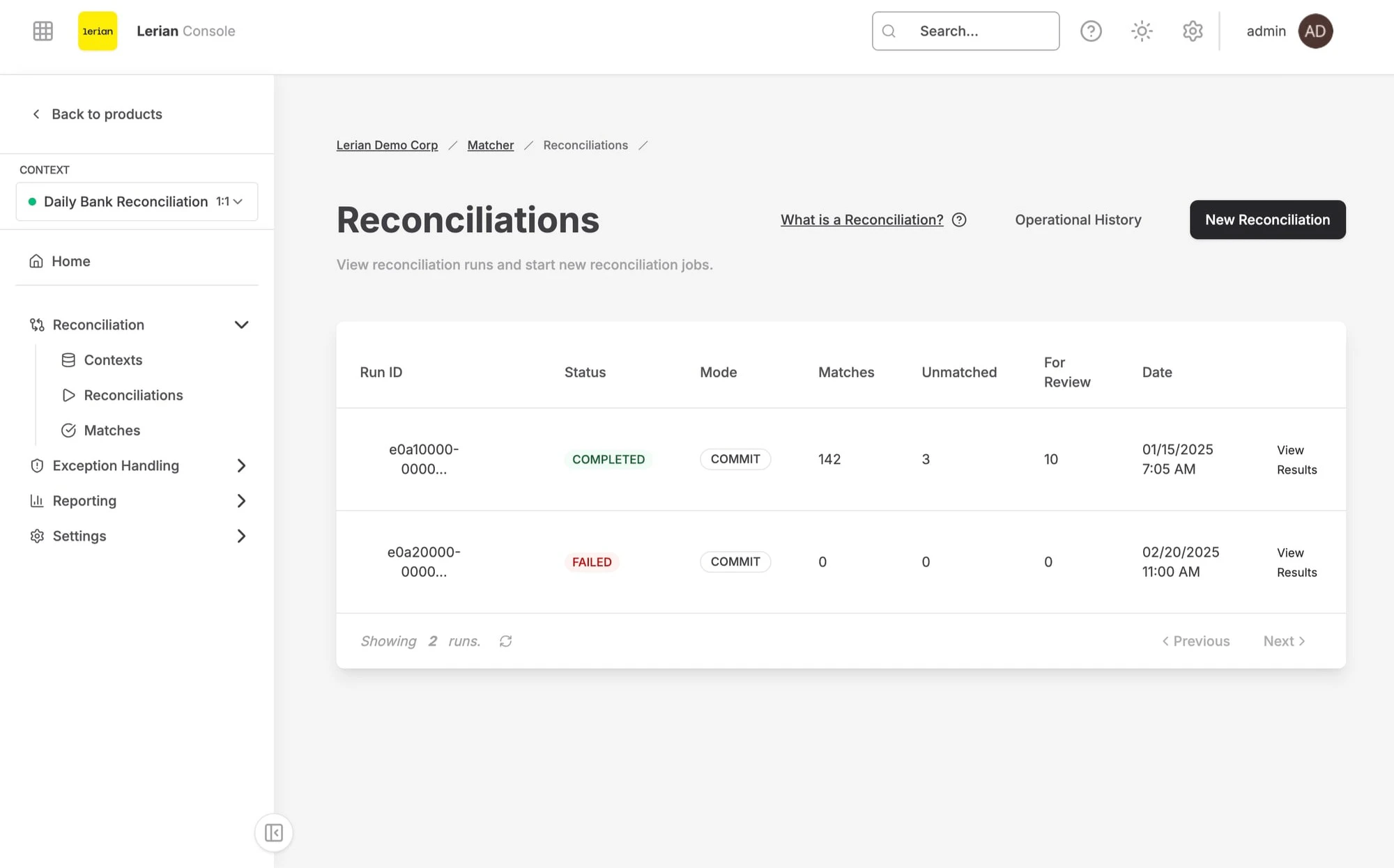
Accessing the Reconciliations page
Navigate to Matcher → Operations → Reconciliations in the left sidebar.
Available actions
From the Reconciliations page, you can:
Upload Reconciliation Data
Upload a transaction file to start ingestion for a selected context and source.
Execute Reconciliation
Manually trigger the matching engine to reconcile transactions for the selected context.
View Job History
Track the status of past and active ingestion jobs.
Starting a new reconciliation
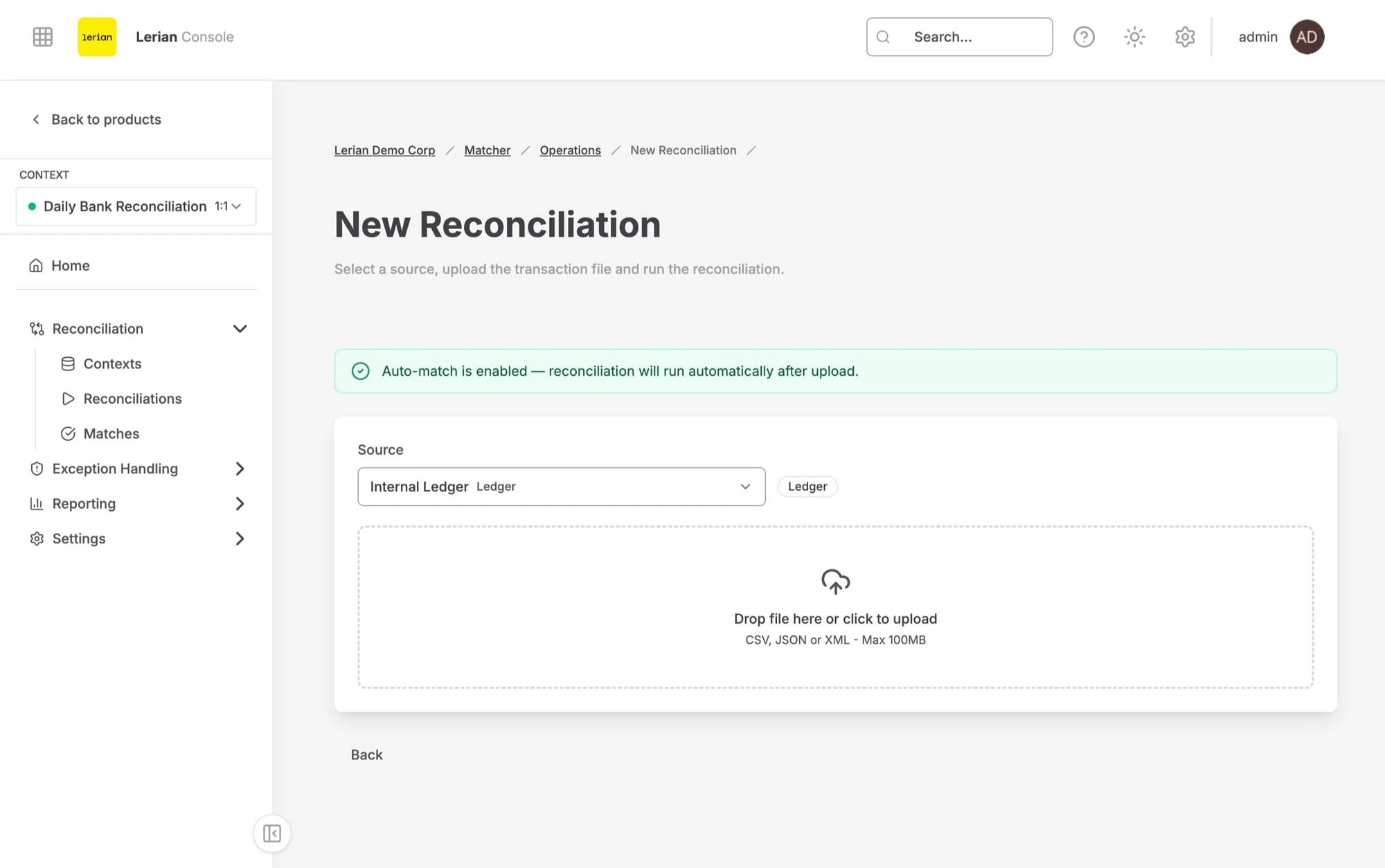
- Select context and date range — Choose the reconciliation context and the period being reconciled.
- Upload source files — Upload the transaction file for the selected source.